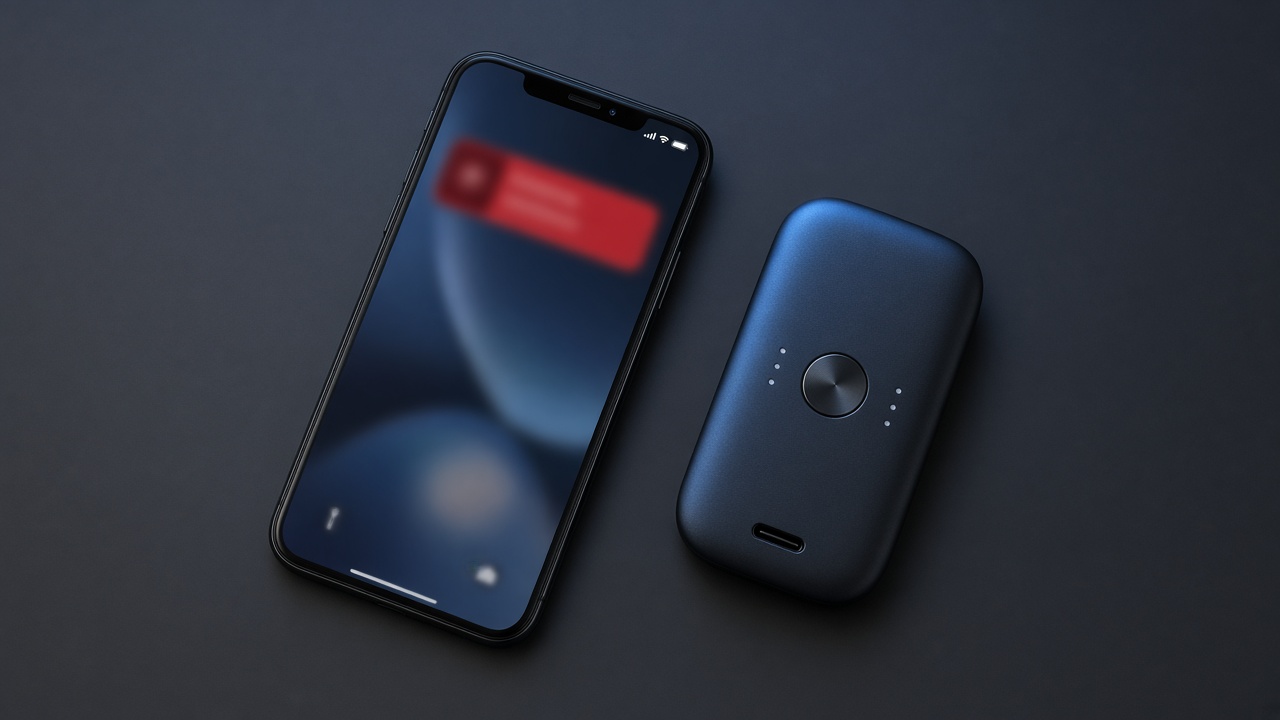
In October 2026, users of two hardware wallet brands received alerts that came through the vendors' own apps. SecuX users saw an in-app message claiming a critical vulnerability. NGRAVE users got push notifications saying their portfolio had been synced to an unknown phone in Moscow. Both led to websites asking for the recovery phrase. The hardware devices were never touched. People typed their seed into a web page, and that was enough.
The lesson is simple. A message showing up inside a real app does not make it a real message. Attackers who reach a vendor's notification service, banner system or support channel can speak with the vendor's voice.
The one rule that always holds
Your recovery phrase (seed phrase) is the wallet. Anyone who has those 12 or 24 words can rebuild your wallet on their own device and move everything, without your hardware wallet and without your PIN.
You only ever enter a recovery phrase in one place: on the hardware wallet itself, when you are restoring a wallet you chose to restore. Not on a website. Not in a pop-up. Not in a form inside the companion app. Not to a support agent, a "verification" page, a firmware update screen or a recovery service.
No legitimate wallet maker, exchange or support team will ever ask for it. If a message asks for your seed, it is an attack, whatever logo it carries.
Warning signs in an alert
Urgency. "Act now", "your funds are at risk", "verify within 24 hours".
A scare you can't check. A login from a strange city, a "critical vulnerability", a "sync" with a device you don't own.
A link that leaves the app. The alert opens a browser, a new domain, or a page that looks like the vendor's site.
A request for secrets. Recovery phrase, private key, a "Perfect Key" or backup card, or a signature you don't understand.
How to verify an alert safely
Step 1: Don't tap the link. Close the notification.
Step 2: Open the vendor's official website by typing the address yourself or using a bookmark you saved earlier. Do not use search ads.
Step 3: Check the vendor's official social accounts and status page for an incident or security notice. Real vulnerabilities are announced publicly, usually with a firmware or app update path that never involves your seed.
Step 4: Check on the device. A hardware wallet shows its true state on its own screen. If the device and the official site say nothing is wrong, the alert is fake.
Step 5: If you're unsure, contact support through the channel listed on the official site and describe the message. Never paste your seed into a chat.
If you already entered your seed
Treat the wallet as compromised. Speed matters more than anything else.
Set up a new wallet with a new recovery phrase, ideally on a device you have reset or a new one. Move your funds to it right away, starting with the largest balances. Revoke token approvals from the old address where you can. Do not reuse the old phrase for anything.
Report the alert to the vendor so they can warn other users.
Good habits
Turn off non-essential notifications in wallet companion apps.
Keep your seed offline, on paper or metal, and never photograph it or store it in cloud notes.
Treat every security alert as unverified until you have confirmed it through a channel you opened yourself.